Google Meet

Nov 16, 2026
385.0.1017135894.duo.android_20261109.02_p0
Files & Versions
Screenshots
Descriptions
Icons
Names
Info
Google Meet Latest Version
Meet 385.0.1017135894.duo.android_20261109.02_p0
arm64-v8a, armeabi-v7a, x86_64, x86 · Android 7.0+
Google Meet Old Version
Meet 384.0.1014259593.duo.android_20261102.01_p3
arm64-v8a, armeabi-v7a, x86_64, x86 · Android 7.0+
Meet 382.0.1007641234.duo.android_20261019.01_p2
arm64-v8a, armeabi-v7a, x86_64, x86 · Android 7.0+
Meet 382.0.1003547261.duo.android_20261019.01_p1
arm64-v8a, armeabi-v7a, x86_64, x86 · Android 7.0+
Meet 380.0.998174106.duo.android_20261005.01_p3
arm64-v8a, armeabi-v7a, x86_64, x86 · Android 7.0+
Meet 380.0.993507281.duo.android_20261005.01_p0
arm64-v8a, armeabi-v7a, x86_64, x86 · Android 7.0+
Meet 379.0.991253081.duo.android_20260928.02_p2
arm64-v8a, armeabi-v7a, x86_64, x86 · Android 7.0+
Meet 379.0.989469524.duo.android_20260928.02_p0
arm64-v8a, armeabi-v7a, x86_64, x86 · Android 7.0+
Meet 378.0.985569815.duo.android_20260921.01_p1
arm64-v8a, armeabi-v7a, x86_64, x86 · Android 7.0+
Meet 377.0.982688994.duo.android_20260914.01_p3
arm64-v8a, armeabi-v7a, x86_64, x86 · Android 7.0+
Meet 377.0.981860830.duo.android_20260914.01_p1
arm64-v8a, armeabi-v7a, x86_64, x86 · Android 7.0+
Meet 376.0.981834373.duo.android_20260907.02_p3
arm64-v8a, armeabi-v7a, x86_64, x86 · Android 7.0+
Google Meet latest screenshots
Google Meet old screenshots



Google Meet Latest Description
Learn more about Google Meet: https://workspace.google.com/products/meet/
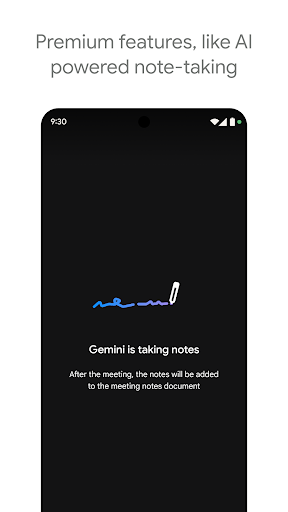
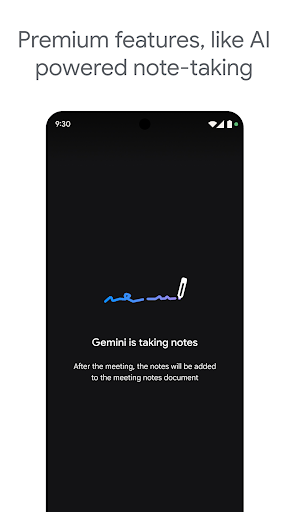
• Some features like AI-powered note-taking, speech translation, meeting recording, and noise cancellation are available as premium features. See https://workspace.google.com/pricing.html for more details.
• Live captions are not available in every language. See https://support.google.com/meet/answer/15077804 for more details.
• Speech translation is not available in every language. See https://support.google.com/meet/answer/16221730 for more details.
• Specific feature availability may vary based on device specifications.
Follow us for more:
X: https://x.com/googleworkspace
Linkedin: https://www.linkedin.com/showcase/googleworkspace
Facebook: https://www.facebook.com/googleworkspace/
Google Meet Old Descriptions
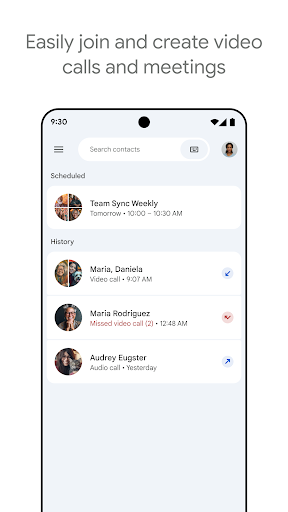
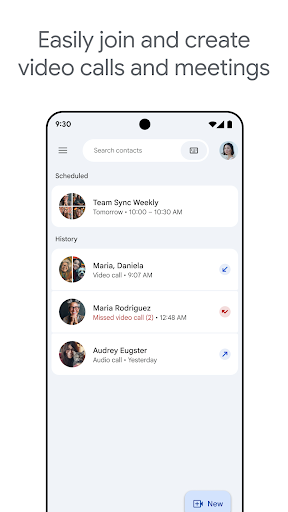
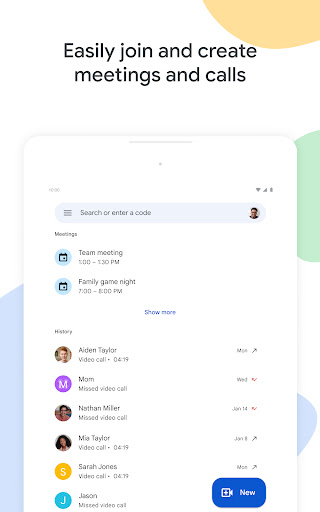
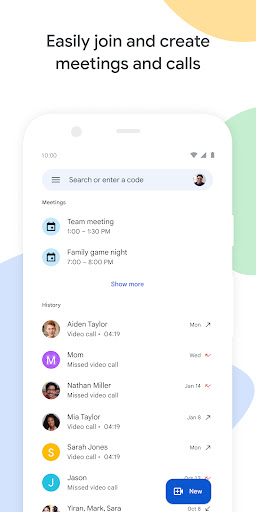
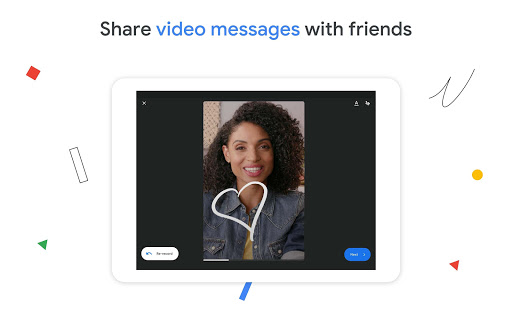
Meet lets you connect in whatever way works for you: Call someone spontaneously, schedule time together, or send a video message that they can watch and respond to later.
Meet also helps you get things done. It integrates with other Google Workspace apps like Gmail, Docs, Slides, and Calendar, and offers a number of features to help you run smooth and engaging meetings, like noise cancellation, in-call chat, recordings, and more.*
Features to look forward to:
Make spontaneous calls or host video meetings with your friends and colleagues, all in one app.
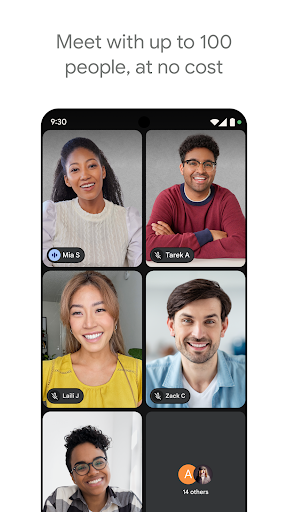
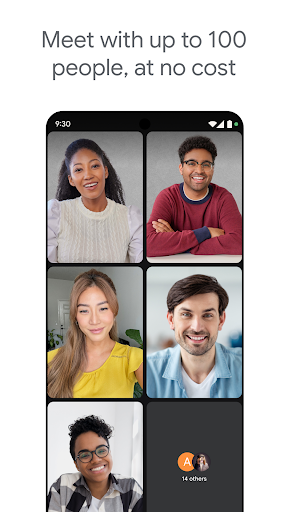
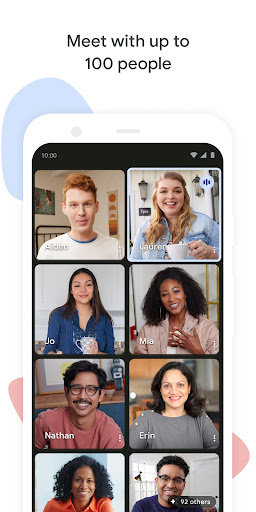
Enjoy one-on-one video calls for up to 24 hours and host meetings for up to 60 minutes and 100 people at no cost.
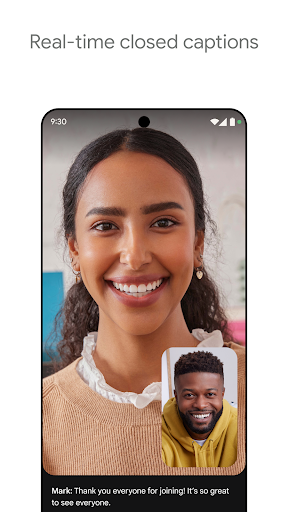
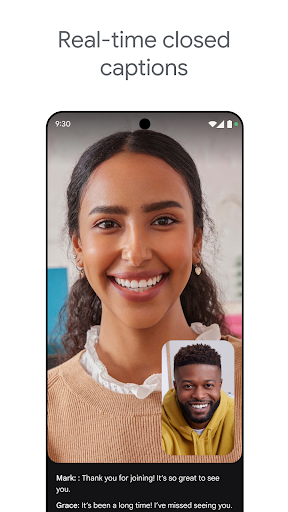
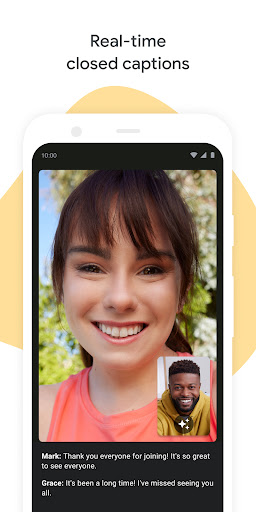
Follow along in your preferred language with real-time translated captions in over 70 languages.
Use in-call chat to share ideas, ask questions, or provide feedback without interrupting the flow of the conversation.
Make your calls more engaging with in-call emojis that allow you to express yourself seamlessly without interrupting the conversation.
Share visuals like photos, videos, and presentations during your call to collaborate or simply share memories from your recent vacation.
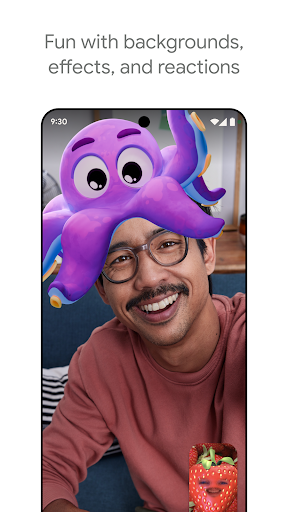
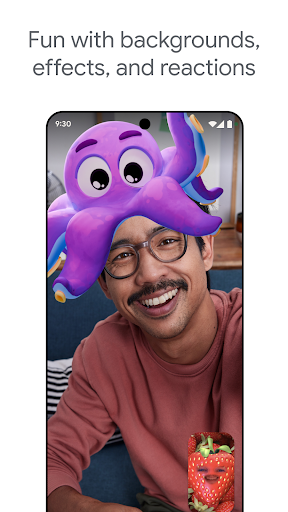
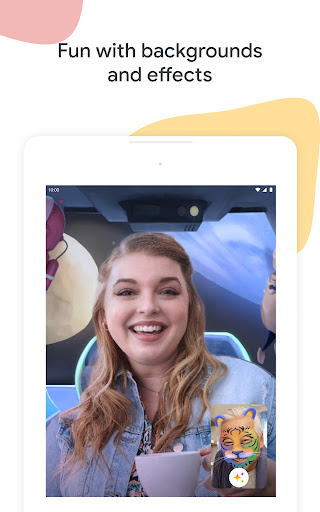
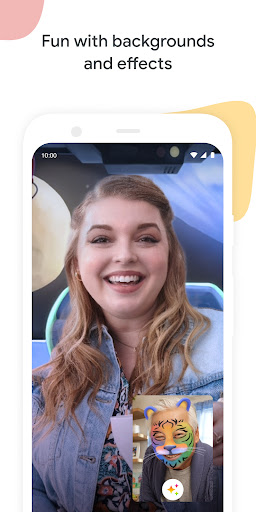
Make your calls with family and friends more fun with stackable effects that allow participants to add multiple backgrounds, filters, and animations, to create a personalized experience.
Use on-the-go mode for an audio-only experience with larger call controls, making it easier to take calls with fewer distractions while walking, driving, or using public transportation.
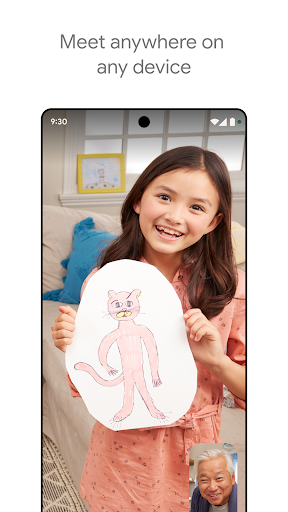
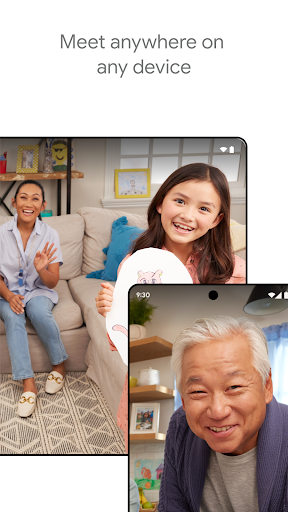
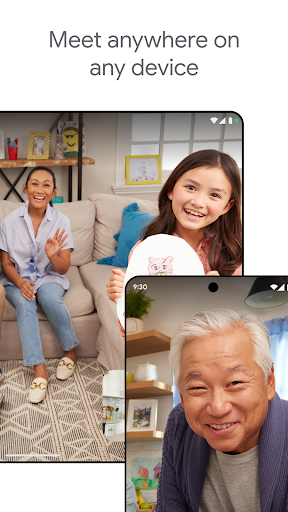
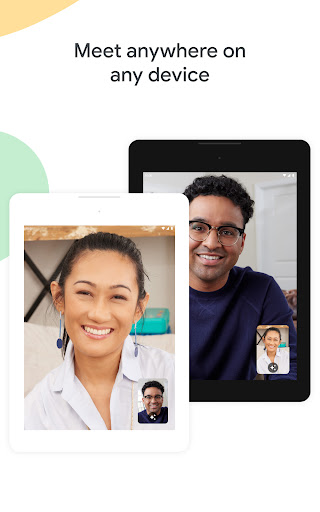
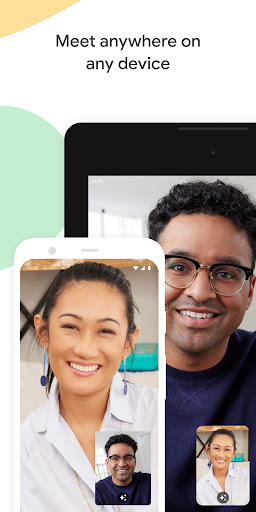
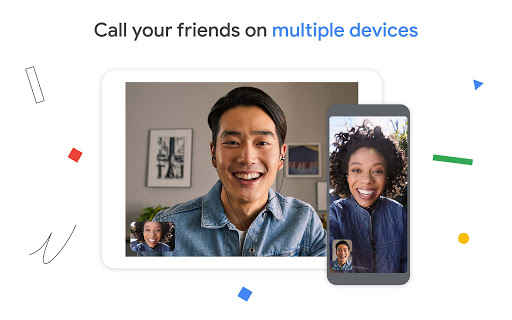
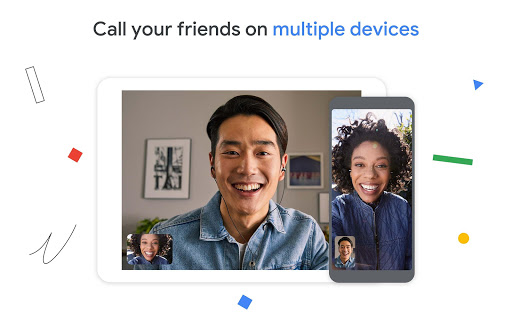
Access on any device: Meet works across mobile, tablet, web, and smart devices,** so everyone can join.
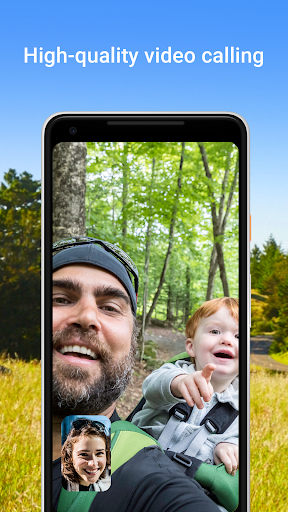
High quality video: Show up looking your best with up to 4k video quality video***.
Learn more about Google Meet: https://workspace.google.com/products/meet/
Follow us for more:
Twitter: https://twitter.com/googleworkspace
Linkedin: https://www.linkedin.com/showcase/googleworkspace
Facebook: https://www.facebook.com/googleworkspace/
*Meeting recording, noise cancellation are available as premium features. See https://workspace.google.com/pricing.html for more details
**Not available in every language.
***Bandwidth permitting. Google Meet automatically adjusts to the highest video quality possible based on your bandwidth.
Data charges may apply. Check your carrier for details.
Specific feature availability may vary based on device specifications.
Meet lets you connect in whatever way works for you: Call someone spontaneously, schedule time together, or send a video message that they can watch and respond to later.
Meet also helps you get things done. It integrates with other Google Workspace apps like Gmail, Docs, Slides, and Calendar, and offers a number of features to help you run smooth and engaging meetings, like noise cancellation, in-call chat, recordings, and more.*
Features to look forward to:
Make spontaneous calls or host video meetings with your friends and colleagues, all in one app.
Enjoy one-on-one video calls for up to 24 hours and host meetings for up to 60 minutes and 100 people at no cost.
Follow along in your preferred language with real-time translated captions in over 70 languages.
Use in-call chat to share ideas, ask questions, or provide feedback without interrupting the flow of the conversation.
Make your calls more engaging with in-call emojis that allow you to express yourself seamlessly without interrupting the conversation.
Share visuals like photos, videos, and presentations during your call to collaborate or simply share memories from your recent vacation.
Make your calls with family and friends more fun with stackable effects that allow participants to add multiple backgrounds, filters, and animations, to create a personalized experience.
Use on-the-go mode for an audio-only experience with larger call controls, making it easier to take calls with fewer distractions while walking, driving, or using public transportation.
Access on any device: Meet works across mobile, tablet, web, and smart devices,** so everyone can join.
High quality video: Show up looking your best with up to 4k video quality video***.
Learn more about Google Meet: https://workspace.google.com/products/meet/
Follow us for more:
Twitter: https://twitter.com/googleworkspace
Linkedin: https://www.linkedin.com/showcase/googleworkspace
Facebook: https://www.facebook.com/googleworkspace/
*Works on Android TV devices with Android 8.0 or higher. If your Android TV does not have a built-in camera, you will need to connect a USB camera and microphone to your Android TV device.
*Meeting recording, noise cancellation are available as premium features. See https://workspace.google.com/pricing.html for more details
**Not available in every language.
***Bandwidth permitting. Google Meet automatically adjusts to the highest video quality possible based on your bandwidth.
Data charges may apply. Check your carrier for details.
Specific feature availability may vary based on device specifications.
Meet lets you connect in whatever way works for you: Call someone spontaneously, schedule time together, or send a video message that they can see and respond to later.
Meet also helps you get things done. It integrates with other Google Workspace apps like Gmail, Docs, Slides, and Calendar and offers a number of features to help you run smooth and engaging meetings, like emoji reactions, recordings, transcripts, and breakout rooms.*
Features to forward to:
Make spontaneous calls or host meetings with your friends and colleagues, all in one app.
Exchange video messages with small groups or one-on-one.
Access on any device: Meet works across mobile, tablet, web, and smart devices,** so everyone can join.
High quality video: Show up looking your best with up to 4k video quality video***, light adjustment, and stylized backgrounds.
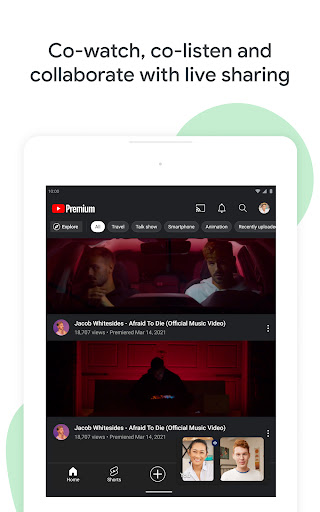
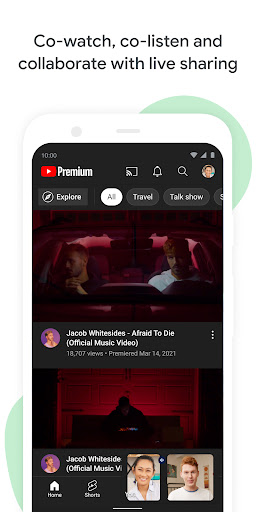
Use live sharing to watch YouTube videos, listen to music, and play games together from anywhere in the world.
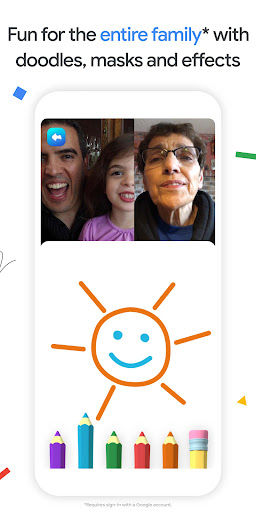
Make your call fun with family friendly features like effects, backgrounds, and reactions.
Enjoy one-on-one video calls for up to 24 hours and host meetings for up to 60 minutes and 100 people at no cost.
Learn more about Google Meet: https://workspace.google.com/products/meet/
Follow us for more:
Twitter: https://twitter.com/googleworkspace
Linkedin: https://www.linkedin.com/showcase/googleworkspace
Facebook: https://www.facebook.com/googleworkspace/
*Works on Android TV devices with Android 8.0 or higher. If your Android TV does not have a built-in camera, you will need to connect a USB camera and microphone to your Android TV device.
*Meeting recordings, transcripts, and breakout rooms are available as premium features. See https://workspace.google.com/pricing.html for more details
**Not available in every language.
***Bandwidth permitting. Google Meet automatically adjusts to the highest video quality possible based on your bandwidth.
Data charges may apply. Check your carrier for details.
Specific feature availability may vary based on device specifications.
The updated Google Meet app allows you to easily and instantly video call your family and friends or schedule a meeting in advance. Connect with anyone, anywhere across mobile, iOS, Android, web, tablet, and smart devices*.
Features you can look forward to:
Host video calls and meetings, all in one place
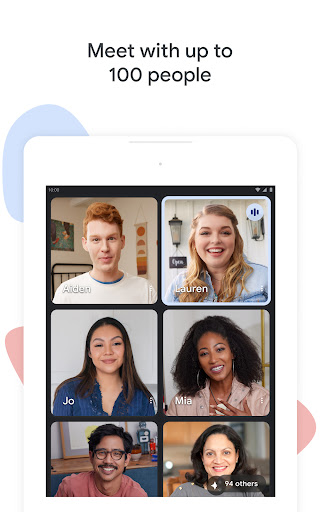
Bring everyone who matters most together with group calling or set up your next brainstorm meeting for up to 100 people.
Access on any device
Works across mobile Android, iOS, tablet, web or smart devices* so everyone can join.
Enjoy high-quality audio and video
Low-light mode and noise cancellation allow everyone to be seen and heard, clearly.
Play with backgrounds and visual effects
Filters, AR masks, effects, family mode and backgrounds make connecting even more fun.
Share content
Present documents, slides, and more during your conference call. Live sharing allows everyone in the meeting to interact with the content being shared, creating a collaborative experience, not just a one-way presentation. You can cowatch YouTube, curate a playlist together, or take turns playing a game.
Follow along
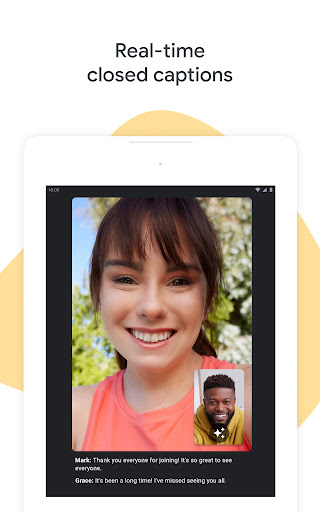
Google speech-to-text technology transcribes your content with real-time captions**, so you won’t miss a detail.
Meet and chat safely
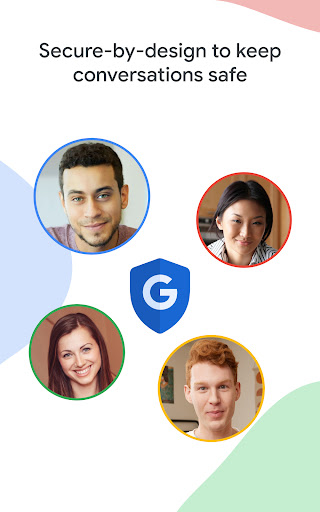
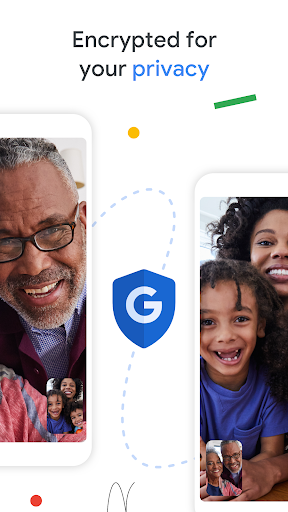
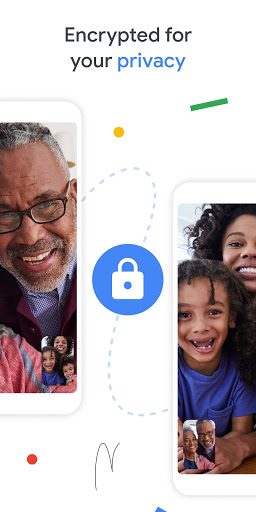
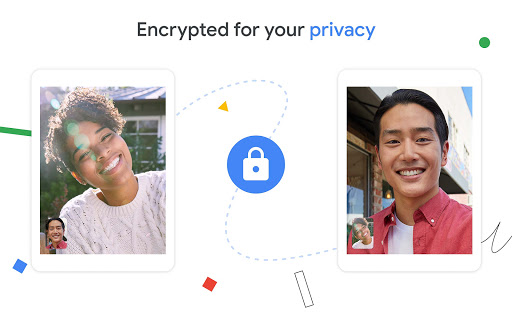
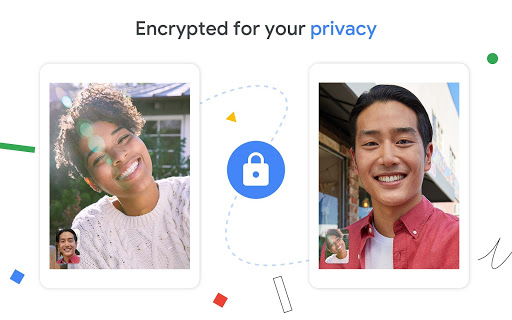
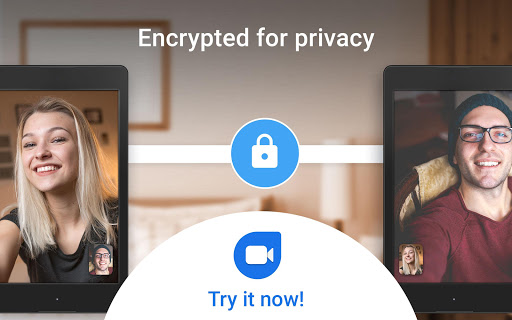
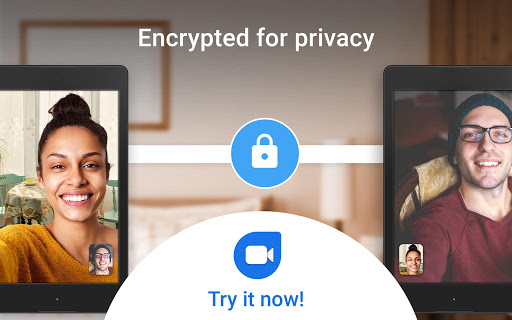
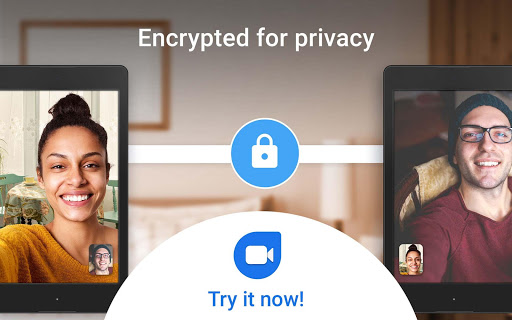
Video meetings are encrypted in transit and our array of safety measures are continuously updated for added protection.
Anyone can join a meeting on Meet via an invitation. However, some capabilities are available only to Google Workspace customers. Learn more about Google Meet:
https://workspace.google.com/products/meet/
Follow us for more:
Twitter: https://twitter.com/googleworkspace
Linkedin: https://www.linkedin.com/showcase/googleworkspace
Facebook: https://www.facebook.com/googleworkspace/
*Works on Android TV devices with Android 8.0 or higher. If your Android TV does not have a built-in camera, you will need to connect a USB camera and microphone to your Android TV device.
**Not available in every language.
Data charges may apply. Check your carrier for details.
Specific feature availability may vary based on device specifications.
Features:
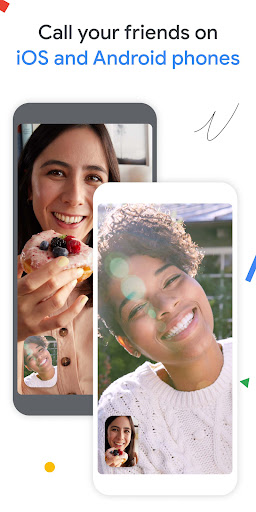
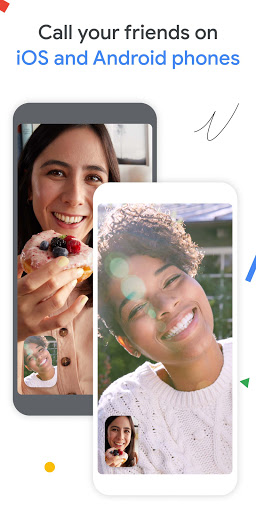
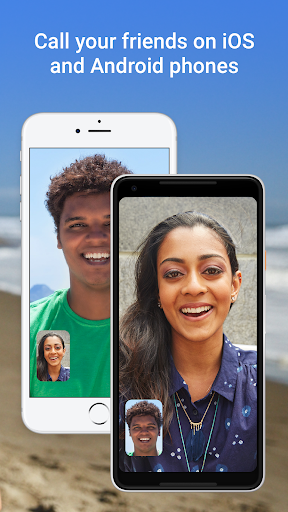
Make calls between Android and iOS
Whether you’re on your phone, tablet, or on the web, you can stay in touch with Duo. You can also share and join group calls with just a link.
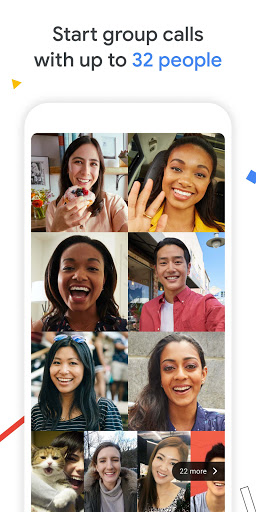
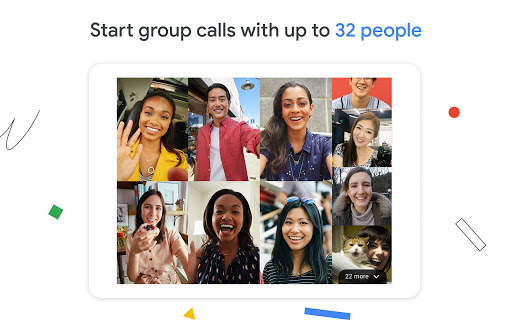
Group call with up to 32 people
Bring together all the people who matter most, even when you're apart, with group calling. Duo now supports 32 people in group video calls.
Bring everyone together with Family mode**
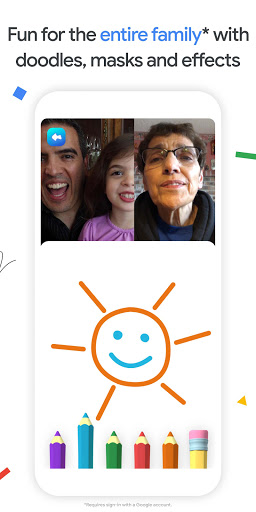
Doodle on video calls and surprise loved ones with fun masks and effects that transform you into astronauts, cats and more.
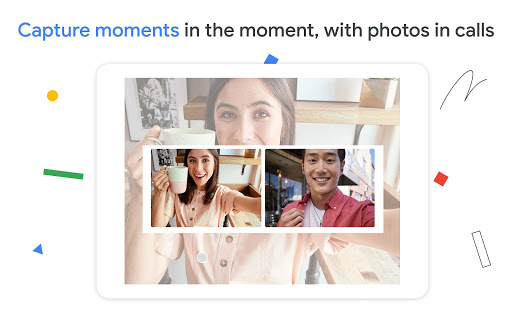
Capture special moments
Take photos of your video calls to capture any moment and share it automatically with everyone on the call.
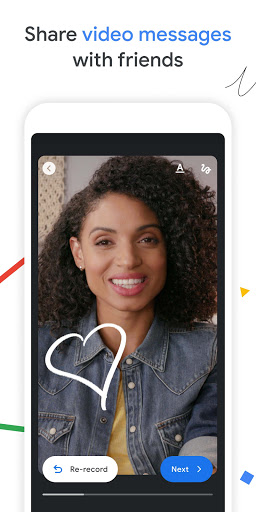
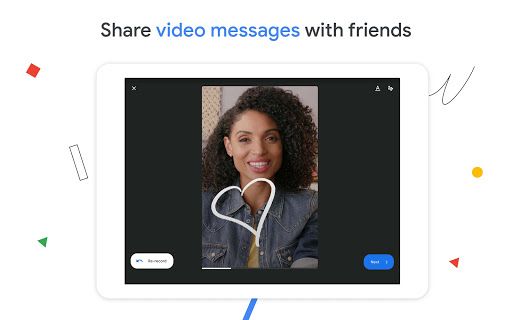
Send video and voice messages, photos, and more
Short on time or your friends can’t pick up? Leave a personalized video message with fun effects, or share voice messages, photos, notes, and emojis.
Low Light Mode
Duo lets you make video calls even in poor lighting conditions.
Voice calling
Make voice-only calls to your friends when you can’t chat over video.
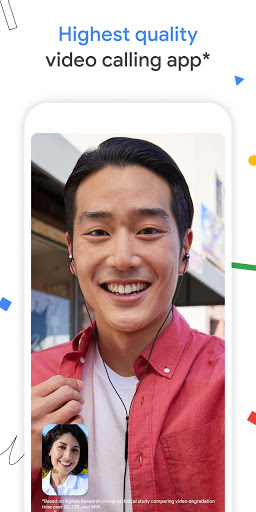
*Based on Signals Research Group technical study comparing video degradation time over 3G, LTE, and WiFi.
**Requires sign-in with a Google account.
***Data charges may apply. Check your carrier for details.
****Specific feature availability may vary based on device specifications.
*****If your Android TV does not have a built-in camera, you will need to connect a USB camera and microphone to your Android TV device.
******Duo works on Android TV devices with Android 8.0 or higher.
Features:
Make calls between Android and iOS
Whether you’re on your phone, tablet, or on the web, you can stay in touch with Duo. You can also share and join group calls with just a link.
Group call with up to 32 people
Bring together all the people who matter most, even when you're apart, with group calling. Duo now supports 32 people in group video calls.
Bring everyone together with Family mode**
Doodle on video calls and surprise loved ones with fun masks and effects that transform you into astronauts, cats and more.\
Capture special moments
Take photos of your video calls to capture any moment and share it automatically with everyone on the call.
Send video and voice messages, photos, and more
Short on time or your friends can’t pick up? Leave a personalized video message with fun effects, or share voice messages, photos, notes, and emojis.
Low Light Mode
Duo lets you make video calls even in poor lighting conditions.
Voice calling
Make voice-only calls to your friends when you can’t chat over video.
*Based on Signals Research Group technical study comparing video degradation time over 3G, LTE, and WiFi.
**Requires sign-in with a Google account.
***Data charges may apply. Check your carrier for details.
****Specific feature availability may vary based on device specifications.
*****If your Android TV does not have a built-in camera, you will need to connect a USB camera and microphone to your Android TV device.
******Duo works on Android TV devices with Android 8.0 or higher.
Features:
Make calls between Android and iOS
Whether you’re on your phone, tablet, or on the web, you can stay in touch with Duo. You can also share and join group calls with just a link.
Group call with up to 32 people
Bring together all the people who matter most, even when you're apart, with group calling. Duo now supports 32 people in group video calls.
Bring everyone together with Family mode**
Doodle on video calls and surprise loved ones with fun masks and effects that transform you into astronauts, cats and more.\
Capture special moments
Take photos of your video calls to capture any moment and share it automatically with everyone on the call.
Send video and voice messages, photos, and more
Short on time or your friends can’t pick up? Leave a personalized video message with fun effects, or share voice messages, photos, notes, and emojis.
Low Light Mode
Duo lets you make video calls even in poor lighting conditions.
Voice calling
Make voice-only calls to your friends when you can’t chat over video.
*Based on Signals Research Group technical study comparing video degradation time over 3G, LTE, and WiFi.
**Requires sign-in with a Google account.
***Data charges may apply. Check your carrier for details.
****Specific feature availability may vary based on device specifications.
Features:
Make calls between Android and iOS
Whether you’re on your phone, tablet, or on the web, you can stay in touch with Duo.
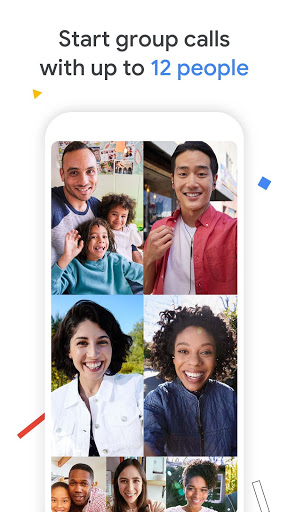
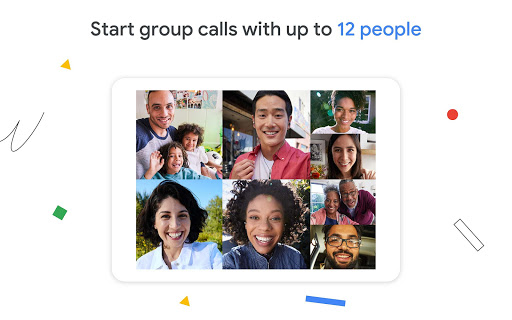
Group call with up to 12 people
Bring together all the people who matter most, even when you're apart, with group calling. Duo now supports 12 people in group video calls.
Send video and voice messages, photos, and more
Short on time or your friends can’t pick up? Leave a personalized video message with fun effects, or share voice messages, photos, notes, and emojis.
Low Light Mode
Duo lets you make video calls even in poor lighting conditions.
Voice calling
Make voice-only calls to your friends when you can’t chat over video.
*Based on Signals Research Group technical study comparing video degradation time over 3G, LTE, and WiFi.
**Data charges may apply. Check your carrier for details.
***Specific feature availability may vary based on device specifications.
Features:
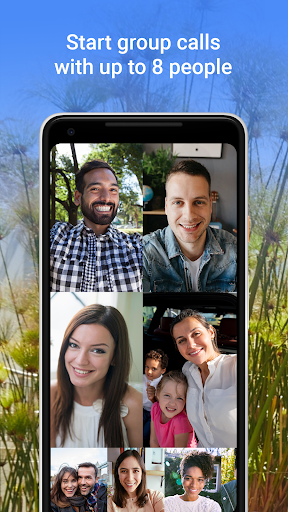
Group Calling
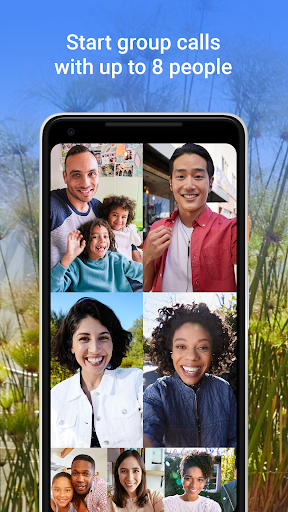
Bring together all the people who matter most, even when you're apart, with group calling. Duo now supports up to 8 people in a group video call.
Make Calls Between Android and iOS
Whether you’re on your phone, tablet, or on the web, you can stay in touch with Duo.
Low Light Mode
Duo lets you make video calls even in poor lighting conditions.
Video Messaging
Short on time or your friends can’t pick up? Leave a personalized video message with fun effects.
Voice Calling
Make voice-only calls to your friends when you can’t chat over video.
*Based on Signals Research Group technical study comparing video degradation time over 3G, LTE, and WiFi.
**Data charges may apply. Check your carrier for details.
***Specific feature availability may vary based on device specifications.
Features:
Group calling
Bring together all the people who matter the most, even when you're apart, with group calling. Duo now supports up to eight people in a group video call.
Make calls between Android and iOS
Whether you’re on your phone, tablet or on the web, you can stay in touch with Duo.
Low-light mode
Duo lets you make video calls even in poor lighting conditions.
Video messaging
Short on time or your friends can’t pick up? Leave a personalised video message with fun effects.
Voice calling
Make voice-only calls to your friends when you can’t chat over video.
*Based on Signals Research Group technical study comparing video degradation time over 3G, LTE and Wi-Fi.
**Data charges may apply. Check your operator for details.
***Specific feature availability may vary based on device specifications.
Features:
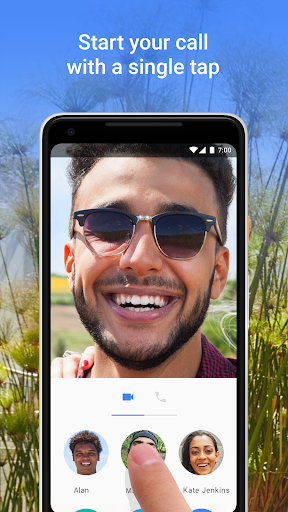
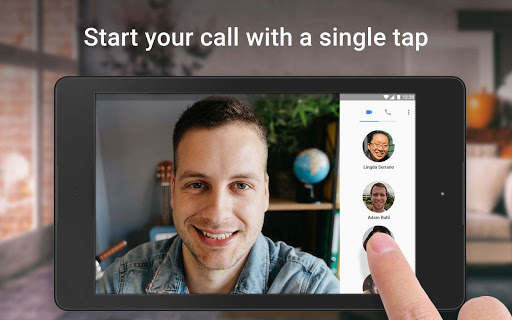
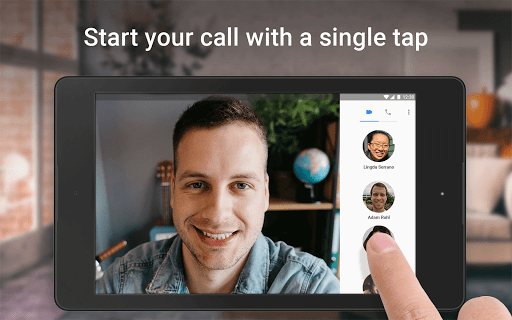
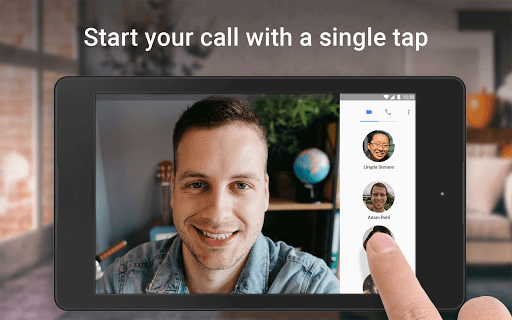
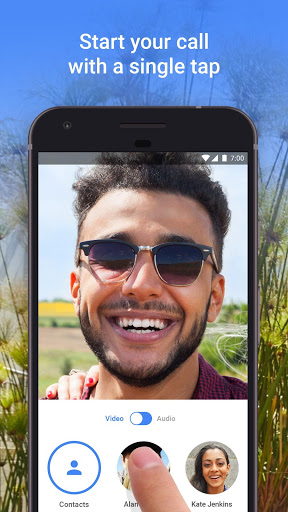
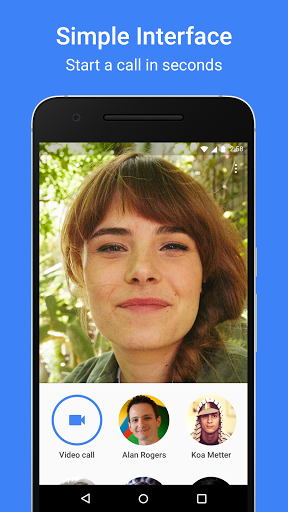
Simple interface
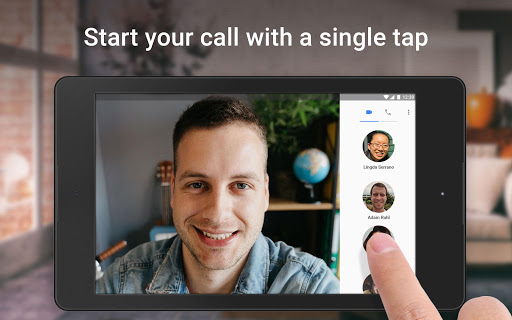
Pick a loved one and jump right in, with a simple interface that makes video calling as easy as one tap.
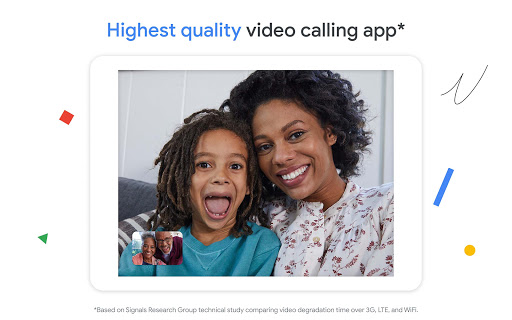
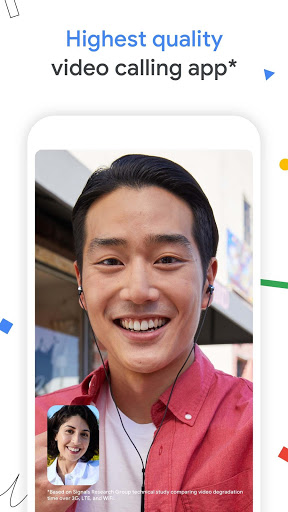
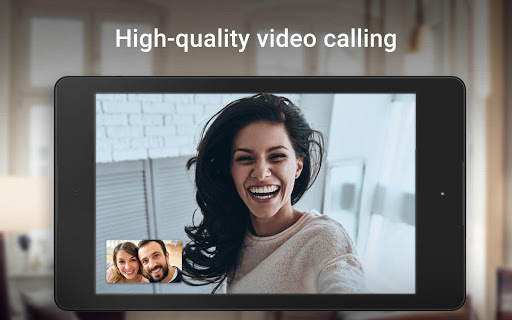
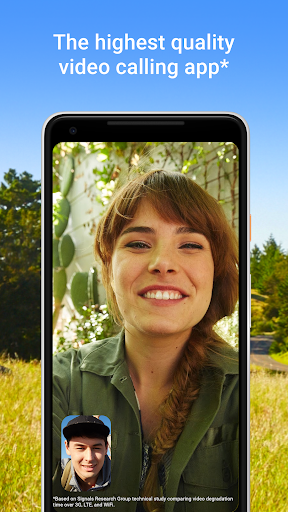
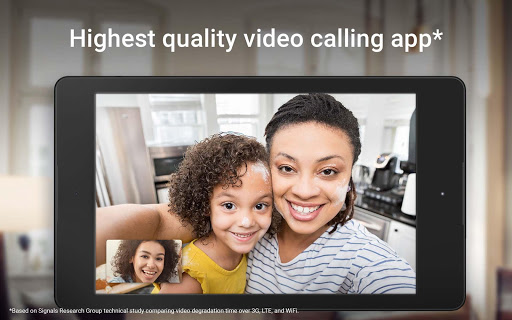
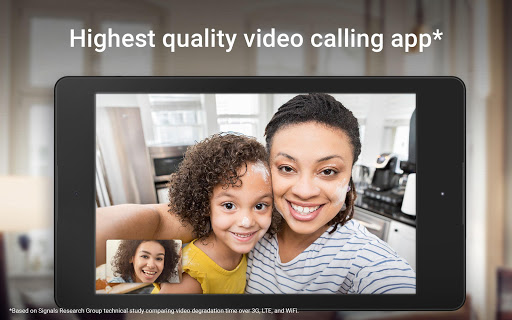
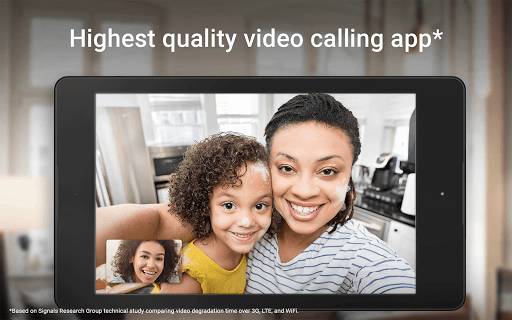
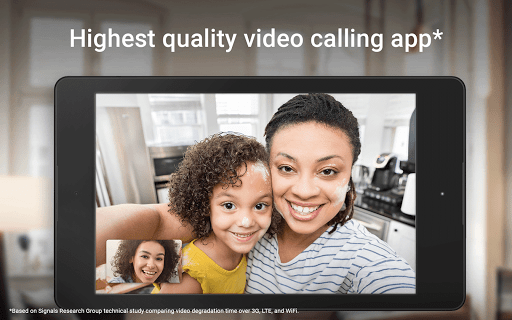
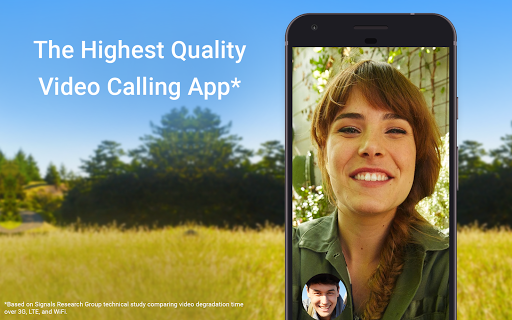
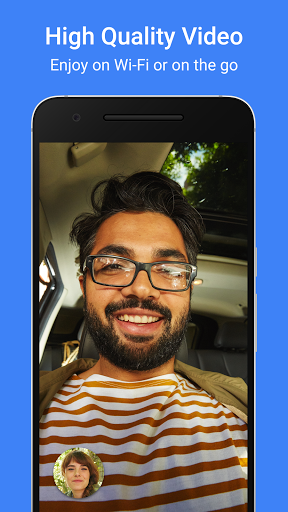
The highest quality video calling app*
Experience more reliable video calls with excellent video quality whether you’re on Wi-Fi or on-the-go.
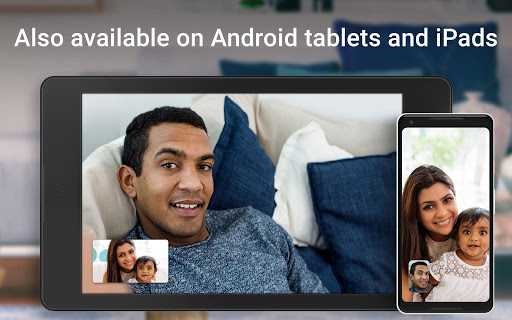
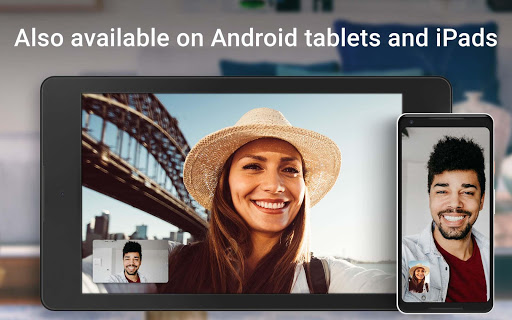
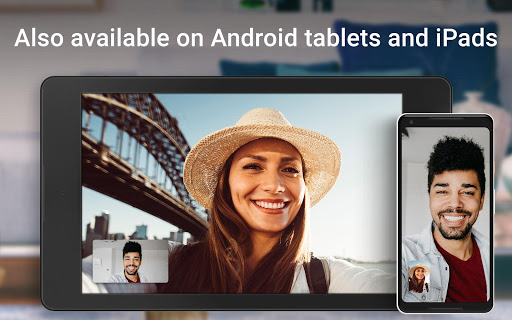
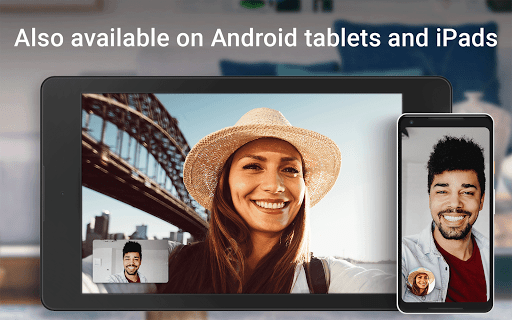
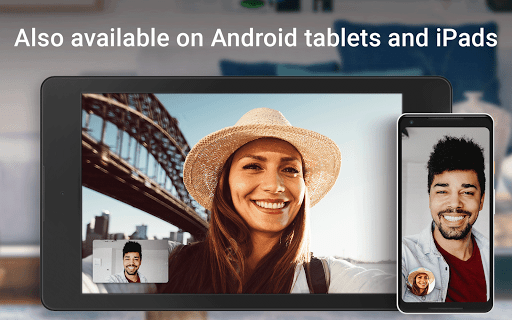
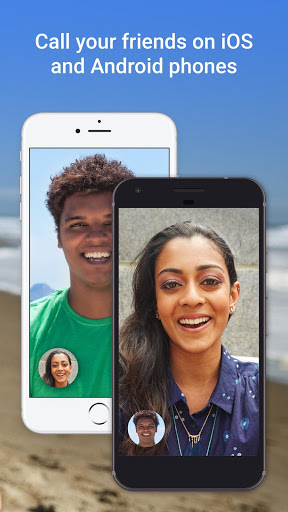
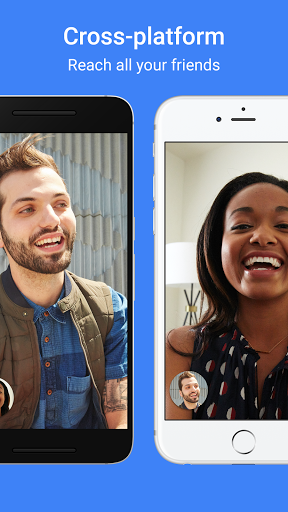
For Android and iOS devices
Duo works on Android and iOS smartphones and tablets, so you can call all your close friends and family using just one app.
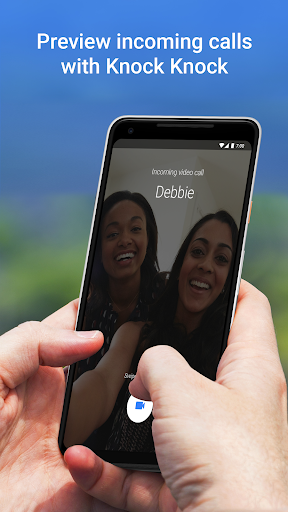
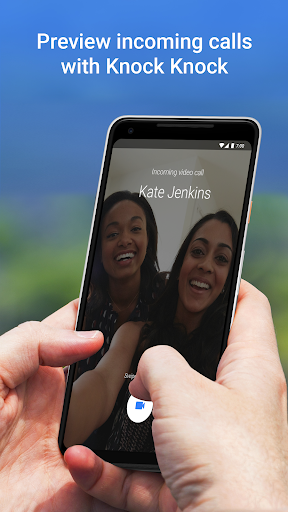
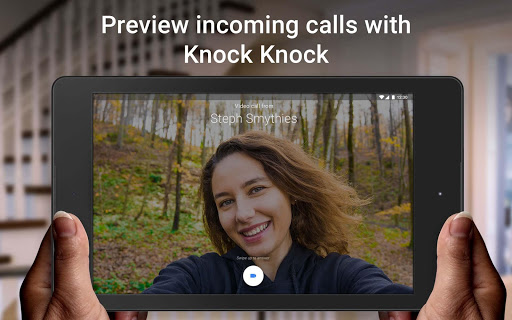
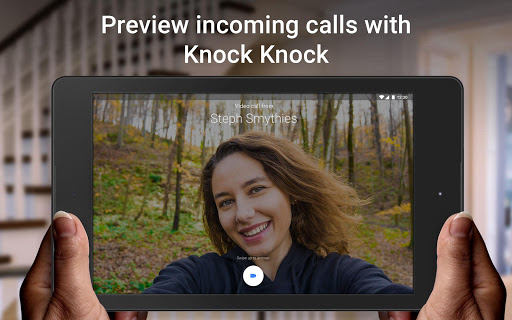
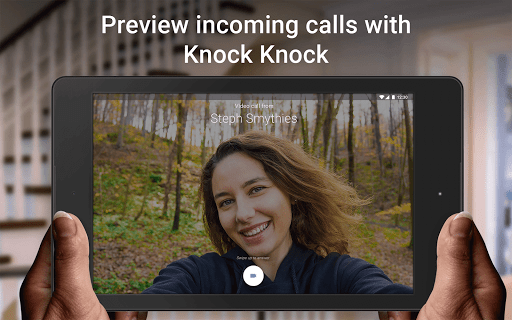
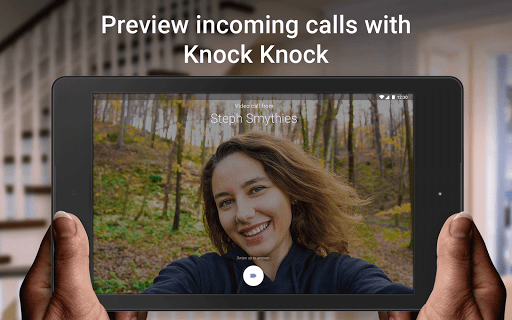
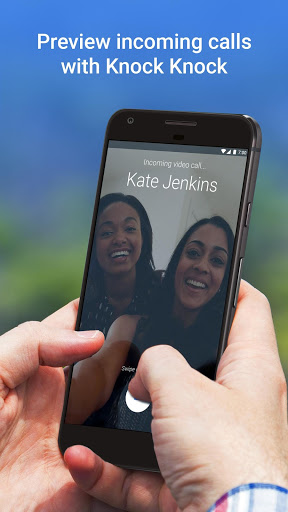
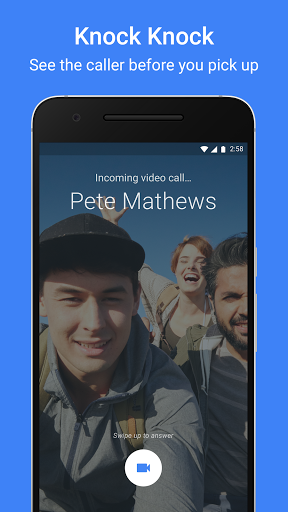
Knock Knock
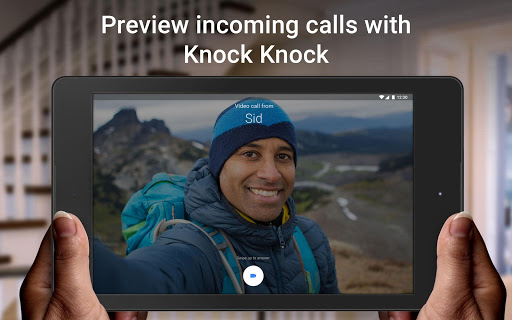
See who’s calling before you pick up with a live video preview.
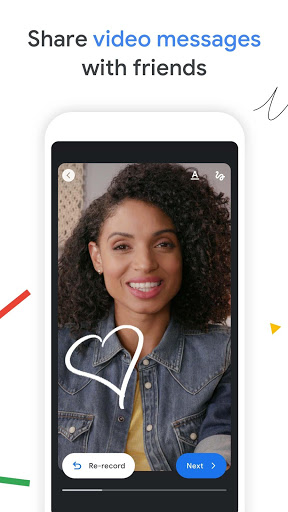
Video Messages
Friend can’t answer your call? No problem. Leave them a video message for them to call you right back. With a video message, you can still capture everything about that moment you wanted to share.
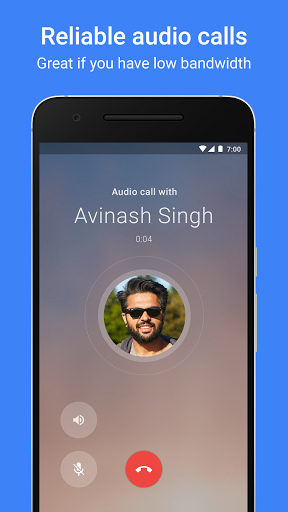
Voice Calls
Make voice-only calls to your friends when you can’t chat over video.
*Based on Signals Research Group technical study comparing video degradation time over 3G, LTE, and WiFi.
**Data charges may apply. Check your carrier for details.
Google Meet Icons History


Google Meet Names History
Google Meet Info
Developer: Google LLC
Package name: com.google.android.apps.tachyon
Developer site: http://g.co/daydream
Developer email: [email protected]
Category: Communication
WOW! In our archive, there are 347+ Old Version Google Meet APK files for Android, which occupy 25.42 GB. 😮
Advantages of Using Older APK Version
Trending apps


